ON-PREM LOG MANAGEMENT / AI-ASSISTED

Your logs are scattered. The answers shouldn’t be.

Unify application, infrastructure, Kubernetes and security logs in your own environment. Search with filters or SQL. Turn unfamiliar events into reviewable ingestion pipelines with AI.

  • Runs in your environment
  • Your log data stays on-prem
  • Annual software license
SIGNAL / 01
UNIFY / EXPLORERLIVE
coreva_logslogs_application_events1H
Log streamAI
TIMELEVELSERVICEMESSAGE
10:42:18.904ERRORcheckout-apipayment upstream timeout · trace=8fa2
10:42:18.887WARNpayment-svcretry budget at 80% · region=tr-1
10:42:17.512INFOgatewayrequest routed · latency=34ms
Explain this error cluster with AI

TWO STARTING POINTS. ONE OPERATIONAL MEMORY.

The pain changes. The need for answers does not.

01

No central log product

Every incident starts with finding the logs.

SSH, grep, disappearing pod logs and knowledge trapped in a few engineers. Build the first shared timeline without assembling an enterprise stack.

Explore use case
02

Already running a log stack

The platform works. Its cost and complexity keep growing.

Index planning, retention trade-offs and another cluster to operate. Move the workload where search and analytical SQL belong together.

Explore use case

A FOCUSED WORKFLOW

From raw event to useful evidence.

UnifyLogs keeps ingestion and investigation close together so teams can add a source, validate the path and use the data without another handoff.

UNIFY / EXPLORERLIVE
coreva_logslogs_application_events1H
Log streamAI
TIMELEVELSERVICEMESSAGE
10:42:18.904ERRORcheckout-apipayment upstream timeout · trace=8fa2
10:42:18.887WARNpayment-svcretry budget at 80% · region=tr-1
10:42:17.512INFOgatewayrequest routed · latency=34ms
Explain this error cluster with AI
  1. 01

    Bring logs in

    Activate managed log types and generate collector configurations for common agents and sources.

  2. 02

    Find the change

    Use time ranges, live tail, severity histograms and fast text filters.

  3. 03

    Ask in SQL

    Move to guarded read-only SQL with database, table, view and keyword IntelliSense.

AI, WITH A CONTROL BOUNDARY

Remove blank-page work. Keep the decision.

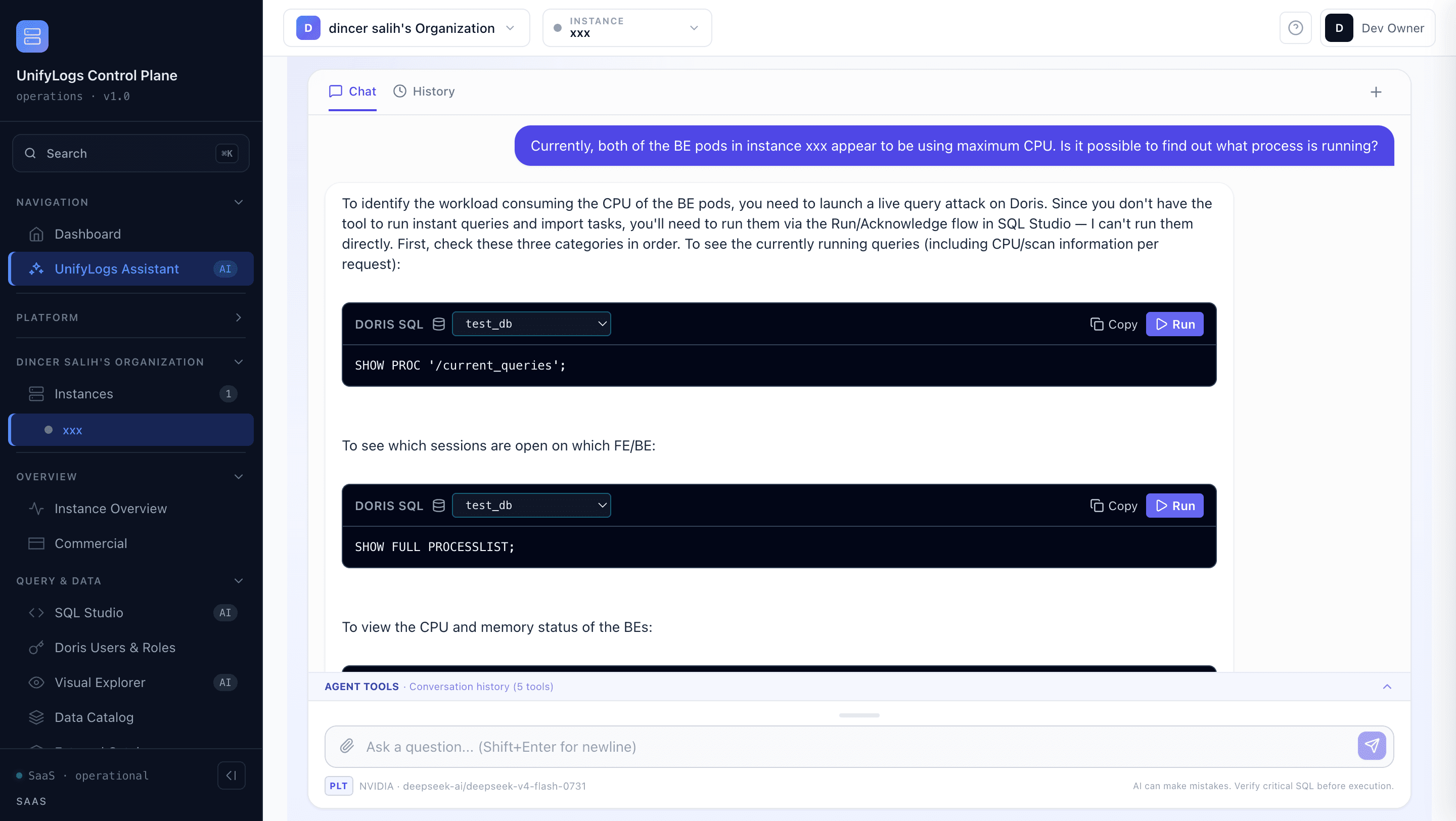
Paste a representative JSON event. The ingestion assistant proposes a Doris table and collector configuration. Your team reviews the output and an authorized user deliberately deploys it.

AI output is reviewable. Deployment remains an explicit authorized-user action.
RAW JSON{ "service": "orders", "level": "ERROR", "message": "timeout", "latency_ms": 4120 }
AI proposal
REVIEWABLE OUTPUTCREATE TABLE logs_application_events ( event_time DATETIMEV2(3), service_name VARCHAR(128), message TEXT, attributes VARIANT ) ENGINE=OLAP;

BUILT FOR THE ENVIRONMENT YOU OPERATE

One product surface. Fewer moving parts.

On-prem by default

The software and log data run in your server or Kubernetes environment.

Controlled access

Queries and actions use authenticated sessions, permissions and read-only SQL guards.

Common collectors

Vector, Fluent Bit, Logstash, Filebeat, OpenTelemetry, Winlogbeat, Kafka, MinIO and HTTP.

AI-assisted onboarding

Generate reviewable DDL and collector configuration from unfamiliar JSON logs.

THE FOUNDATION UNDERNEATH

Built on an analytical engine made for log-scale questions.

UnifyLogs uses Apache Doris as its real-time analytical foundation. The figures below are vendor-published benchmarks—not guaranteed UnifyLogs customer results. Validate performance on your workload.

Read the published methodology
014.2×

write speed vs Elasticsearch

Apache Doris HTTP logs benchmark

0220%

storage footprint vs Elasticsearch

247M rows / 32 GB raw dataset

0343%

response time vs Elasticsearch

11 retrieval and analytical queries

ON
PREM

DEPLOYMENT POSITION

Your environment is the product boundary.

UnifyLogs is sold as an annual on-prem software license. It runs in infrastructure you control, so operational data does not need to leave your environment for the team to search and analyze it.

  • Customer server or Kubernetes environment
  • No hosted-log requirement
  • Sales-led sizing and evaluation
  • Your workload, your retention decision

CONTACT / HUBSPOT

Bring us the log problem you have today.

Tell us where your logs live, what breaks during incidents, and what must remain on-prem. We will respond with a practical evaluation path.

The form goes directly into the UnifyLogs CRM workflow.